Your order:
Clear cart
Promo code
Subtotal
$0.00
Discount
$0.00
Total
$0.00
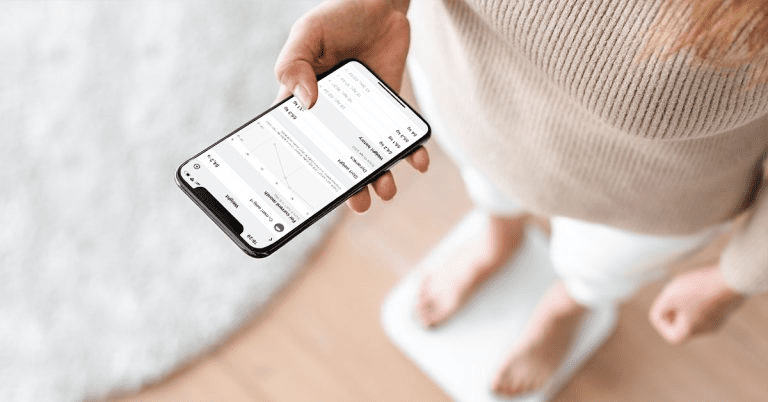
Did you know that the HEALBE app has integrations with GoogleFit and AppleHealth?
This means that you can transfer unique GoBe data to your favorite health apps, but it also means you can receive data from them. For example, if you have a smart scales that are connected to GoogleFit or AppleHealth, just stand on them and your weight data will appear in the HEALBE app by itself.
HEALBE can also redirect your GoBe data to third party apps on its own:

Calorie intake

Meals (cumulative amount of calories per digestion period)

Pulse

Steps

Sleep data – time, duration and REM phases
Once integrated, you can analyze the data in third-party applications such as Welltory.
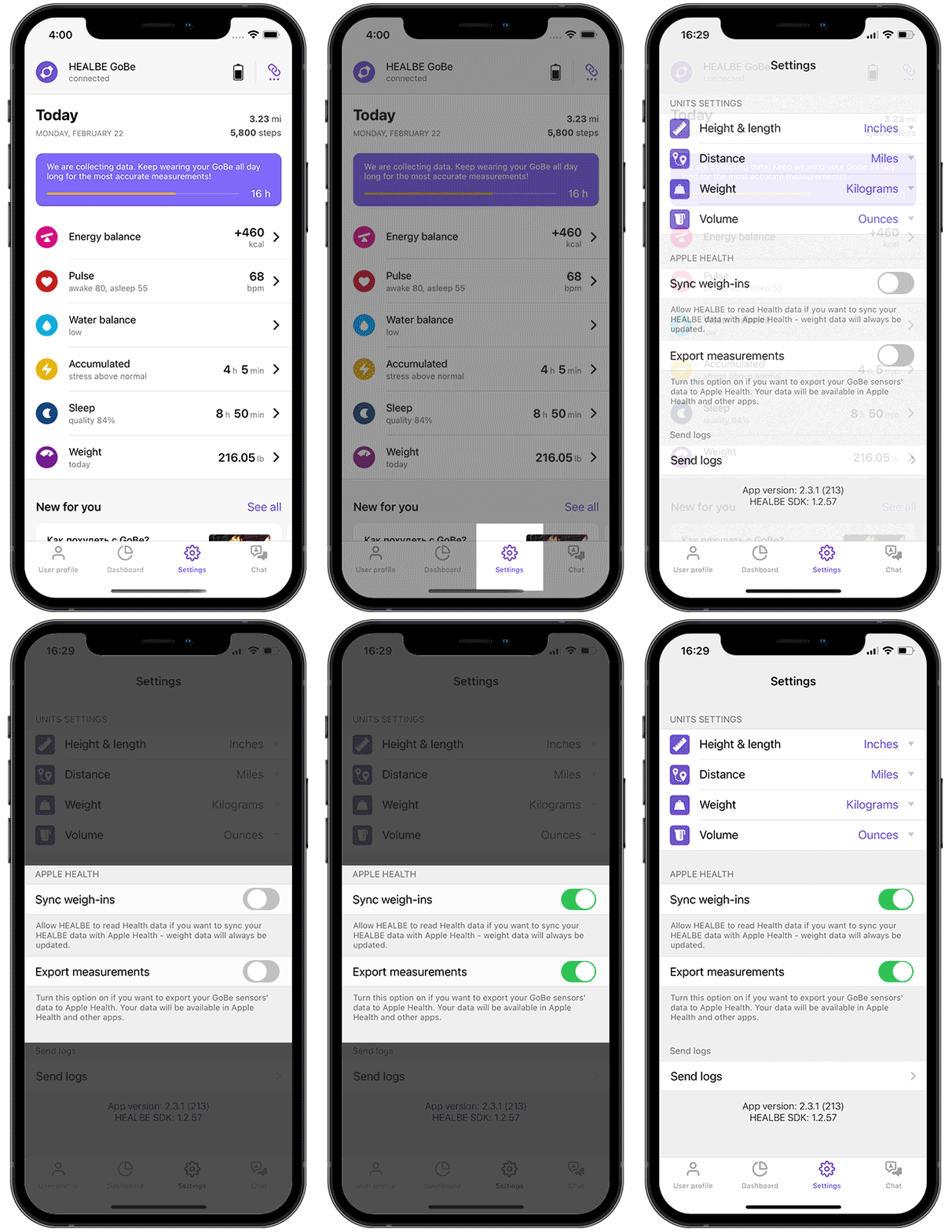
To enable integration:
○ Open the HEALBE app or go to its Dashboard screen
○ Go to Settings
○ Locate and turn on the “Send measurements” slider
Similarly, GoogleFit is connected in the Android system.
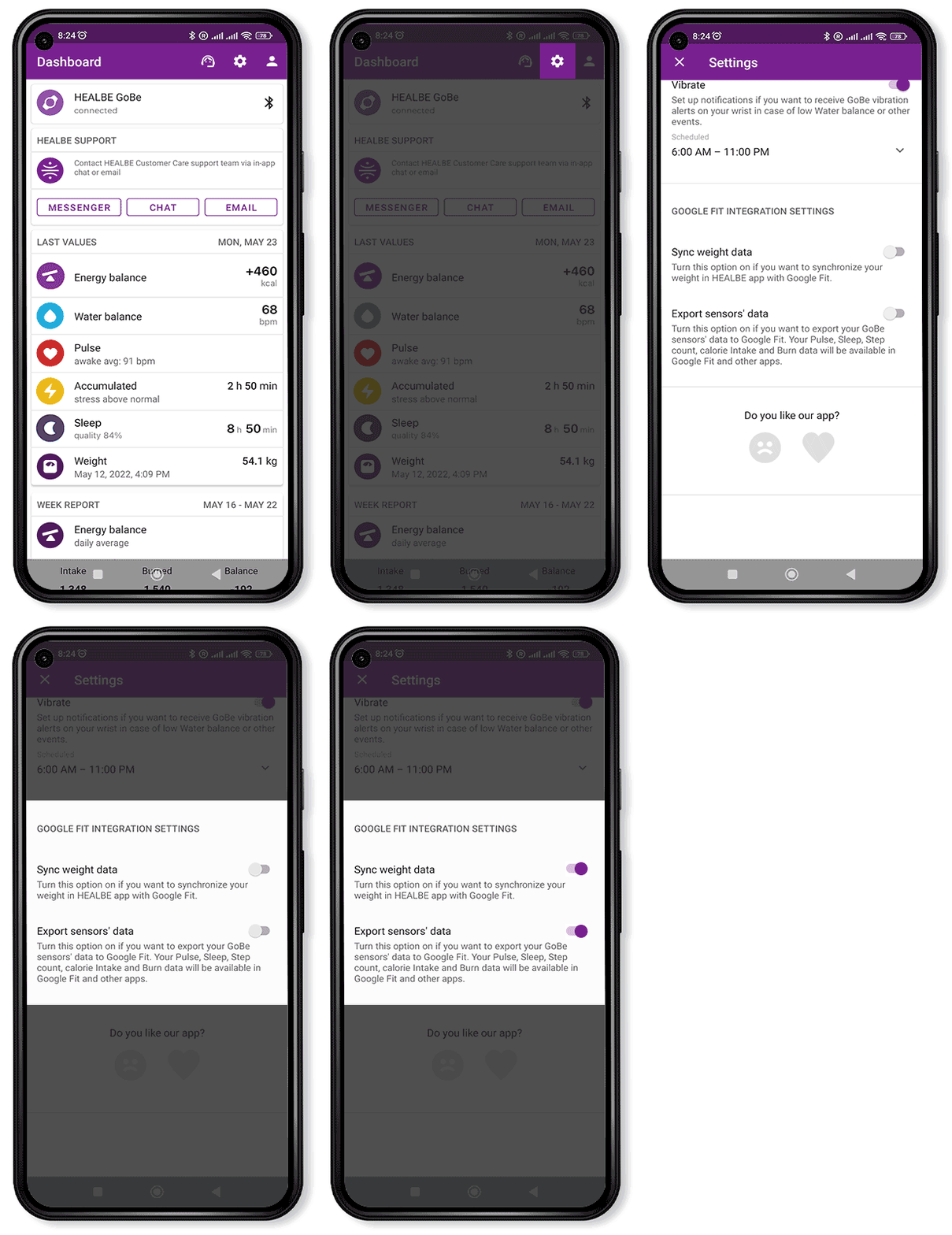
After that, your HEALBE app will start sending data to Apple Health or Google Fit. All you have to do to analyze your GoBe data in a third-party app is connect the app you want to Apple Health or Google Fit too.
HEALBE
health is easy.
Was this helpful?
Please note that HEALBE GoBe is not responsible for any content that purports to give medical advice or advice regarding fitness training, exercise, or diet. Always seek the advice of a physician or other qualified health provider with any questions you may have regarding a medical condition and prior to starting a diet or physical fitness program.