Your order:
Clear cart
Promo code
Subtotal
$0.00
Discount
$0.00
Total
$0.00
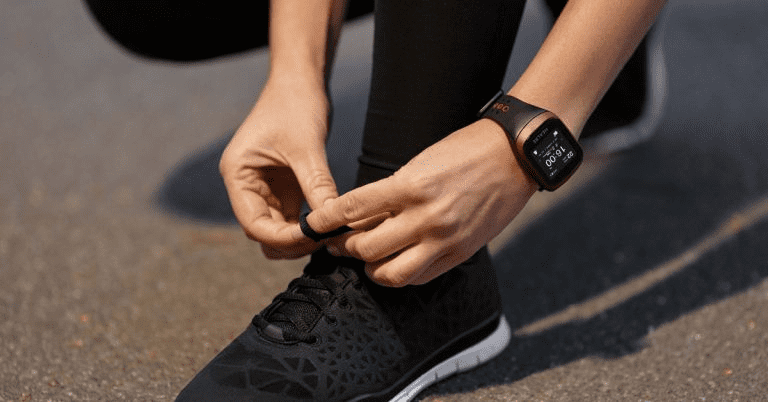
Burned calories reading consists of two parts – your basic metabolism, which we’ll cover next time, and your energy expenditure for activities.
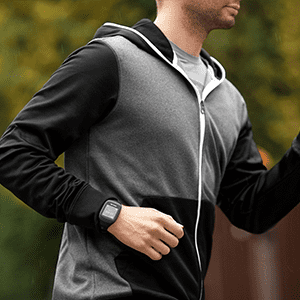
When you make any movement, GoBe3 starts its complicated work. First it activates its accelerometer, which determines whether you are running or reaching for a cup of coffee. Once the type of activity has been determined, the most important thing begins, because you not only need to know the type of activity, but also how intense it is. For this, both the accelerometer and the heart rate sensor are used, which helps determining your current heart rate every second.
Basically, light from sensor diodes penetrates through skin and, reflecting off blood vessels, hits the light-sensitive element.
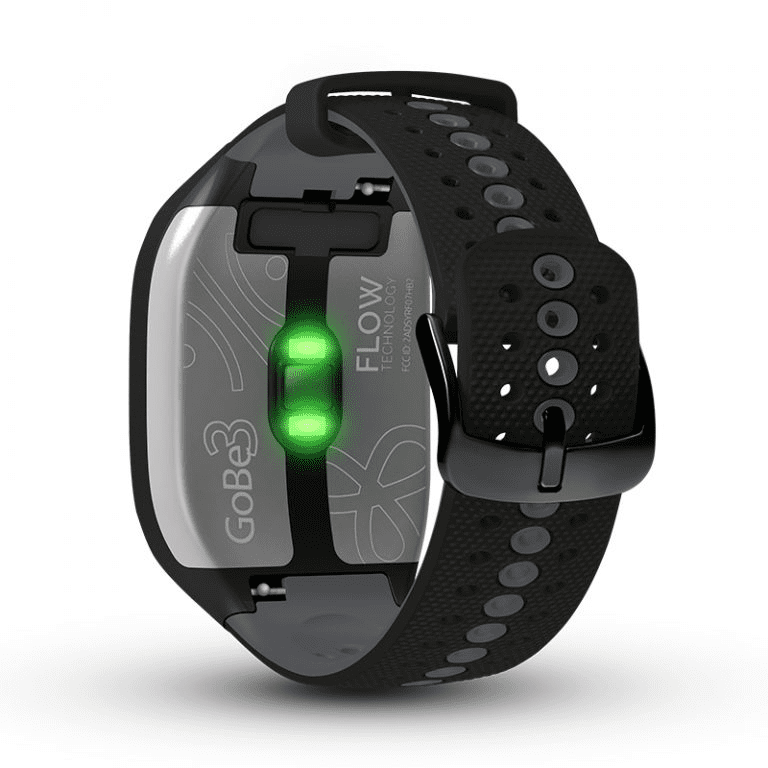
This allows the device to determine when your heart is beating. By analyzing the information received, the band calculates your heart rate. GoBe always knows your heart rate so it can determine the intensity of your exercise as accurately as possible. But there is also something you can do to make your GoBe’s calorie calculations even better.
When you had created your Profile, GoBe3 calculated your step length using statistics based on your height, weight, and age. But everyone is unique, so these statistics may not work ideally. To increase GoBe accuracy, we recommend you measure your step length and update it in the HEALBE app.
Figuring out the length of your step is easy enough:
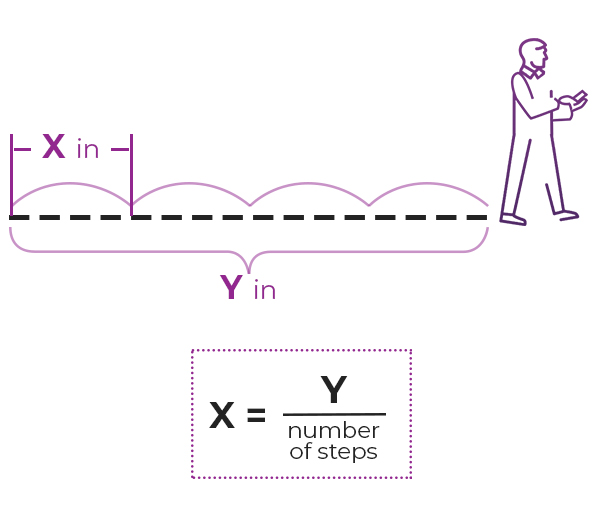
• walk 10+ steps at your normal pace,
• measure the distance traveled and divide it by the number of steps.
Now when you have your exact step length value, open your profile in the HEALBE app (little human icon), go into edit mode, and fill in the “Step length” field.
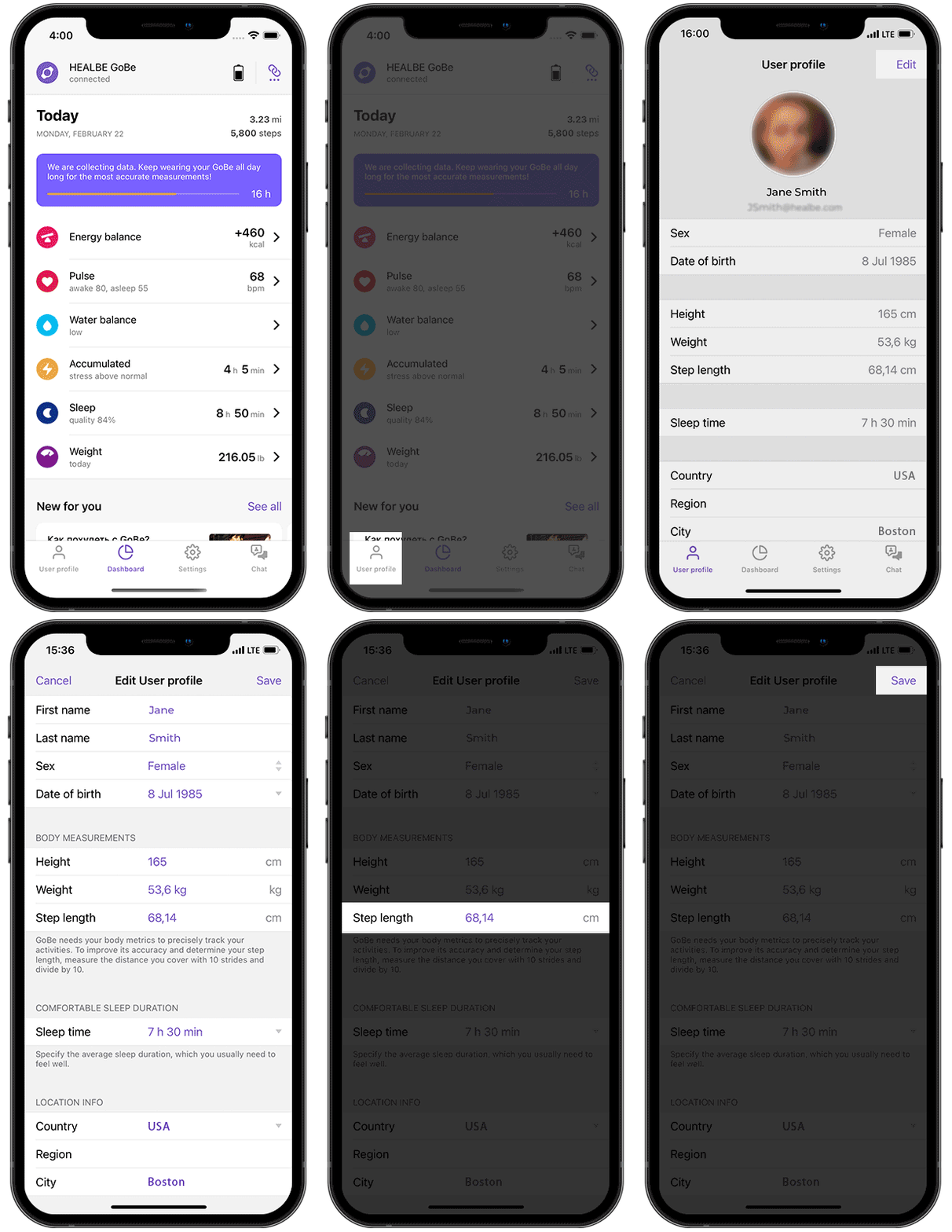
Remember: the greater the number of steps, the more accurately you can calculate the length.
Wear your smart band all the time, except charging, to give it the opportunity to gather as much data as possible. GoBe3 can become a reliable guide to a new quality of life only in constant contact with you!

Share your experience and find answers anytime using the HEALBE in-app chat.
Was this helpful?
Please note that HEALBE GoBe is not responsible for any content that purports to give medical advice or advice regarding fitness training, exercise, or diet. Always seek the advice of a physician or other qualified health provider with any questions you may have regarding a medical condition and prior to starting a diet or physical fitness program.