Your order:
Clear cart
Promo code
Subtotal
$0.00
Discount
$0.00
Total
$0.00
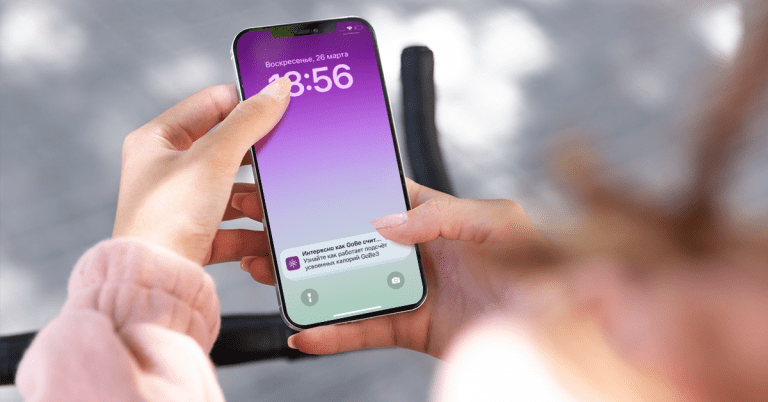
Have you ever swiped a push message and wondered soon after how to get back to the one or what on Earth had it been about? The guesswork is now removed for the HEALBE app on iOS devices*.
All you need to do is to update your HEALBE application in the App Store and enjoy the Notification Center we’ve just released.
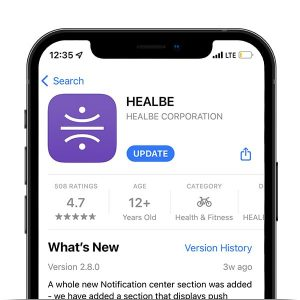
After the update you’ll find a Notifications button with the bell icon in the right lower corner of the HEALBE app. From now on all push messages will be saved securely in this section and can be revisited any time you like.
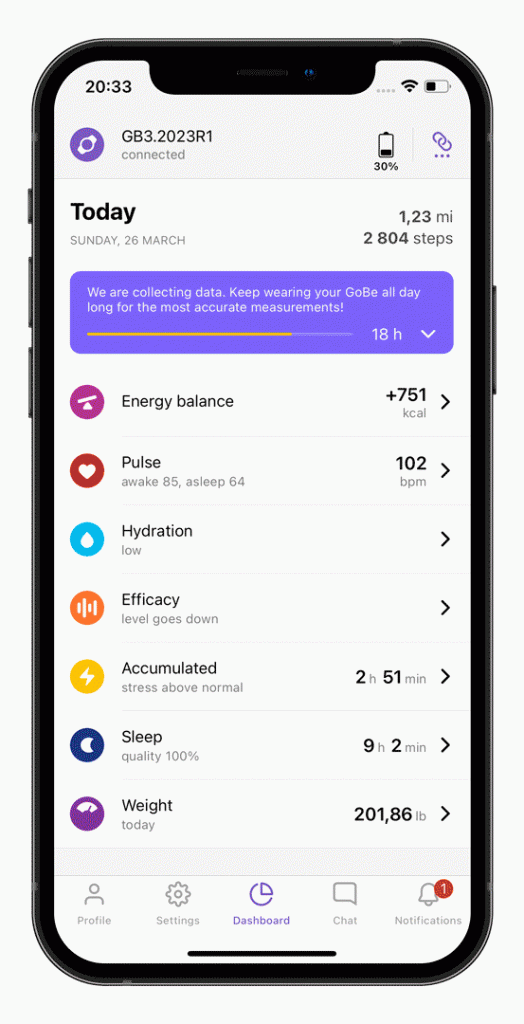
Even more useful tips will be available from now on in the “New for you” section of the main page of the app. The info will be located right under all your indicators. Stay updated on all new features and benefit from the existing ones the easiest way possible.
The current application update also features a demo version of the app for new unregistered users and some minor bug fixes reported earlier.
Thank you for your regular feedback!
* Please note that the Notifications Center is now available for iOS devices only. The Android Center is currently being worked on and will be released and announced later.
Was this helpful?
Please note that HEALBE GoBe is not responsible for any content that purports to give medical advice or advice regarding fitness training, exercise, or diet. Always seek the advice of a physician or other qualified health provider with any questions you may have regarding a medical condition and prior to starting a diet or physical fitness program.