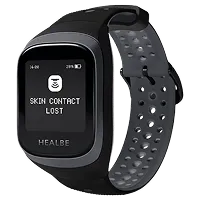
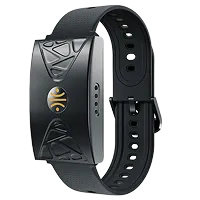
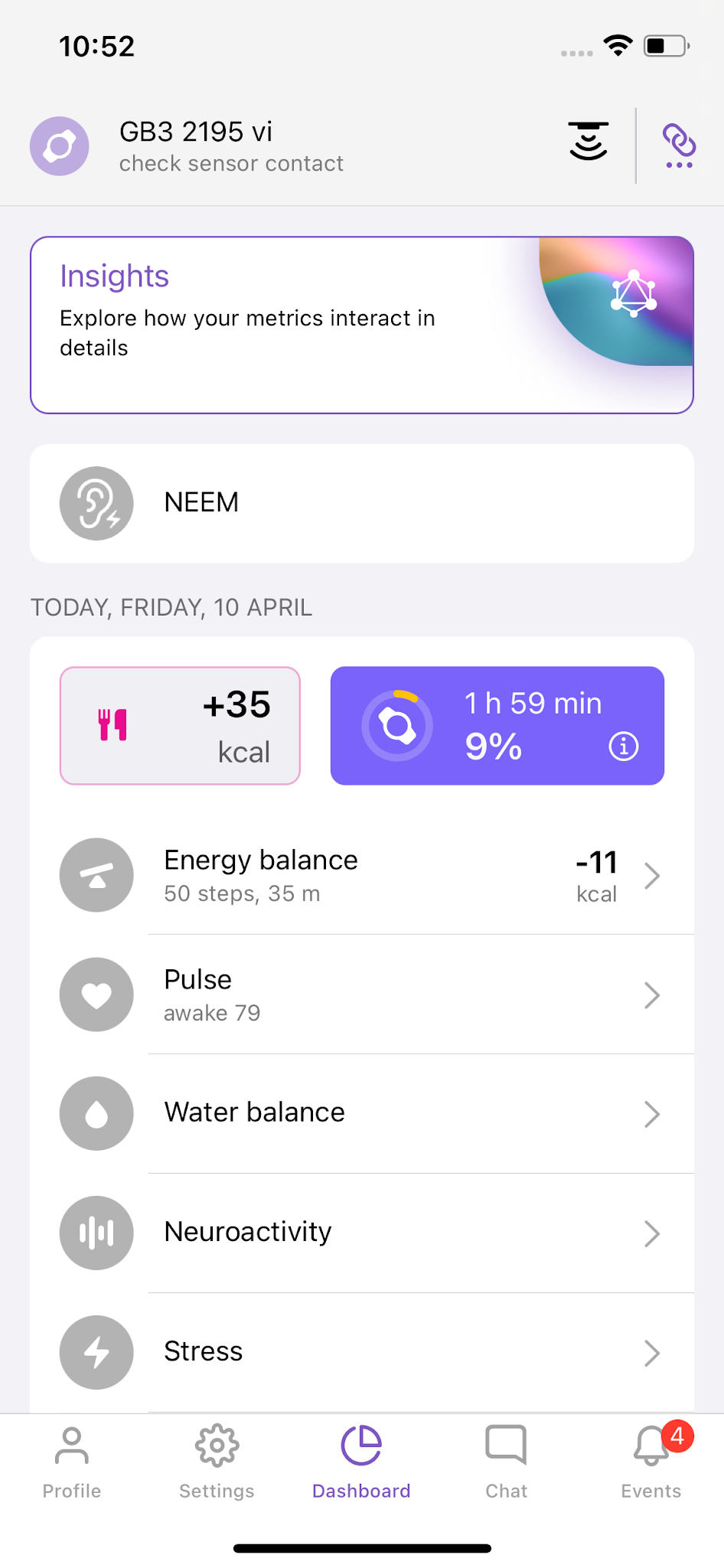
First, make sure the smart band fits comfortably but securely. The sensor should rest against the skin without gaps, and the band should be positioned about 1–2 finger widths above the wrist bone. If it feels slightly loose, gently tighten the strap — in most cases, this is enough to restore proper contact.
In some cases, the contact quality depends on the area where the sensor is placed. Tattoos, scars, raised areas, or dense hair growth may interfere with conductivity. In this situation, try adjusting the position of the band, for example, place it on the inner side of the wrist. Many users achieve stable contact this way.
If the notification continues to appear, check the sensor for grease or other buildup that may interfere with contact and clean it:
• apply a small amount of liquid soap or dishwashing detergent to the inner side of the band,
• gently clean the sensor contacts and strap using a cotton swab,
• rinse thoroughly and dry with a soft cloth.
A light residue naturally builds up with daily wear — this is normal. Light cleaning once or twice a week helps maintain measurement accuracy.
Pay attention to when contact loss occurs:
• If it happens when you rest, your skin may be too dry, or the band may not be snug enough. Lightly moisturize the area under the sensor and wear the band for a few hours. If contact improves, regular moisturizing can be an effective solution.
• If contact is lost during movement and the strap is already snug, this may be due to individual wrist shape. In this case, you can send a photo of your wrist with the smart band to gobe@healbe.com, and we’ll suggest how to optimize the fit.
If notifications continue after trying all steps, simply email us or write via in-app chat. Client Happiness team will be happy to help find a solution tailored to your situation.