Your order: Clear cart
Promo code
Subtotal $0.00
Discount $0.00
Total $0.00
Your order: Clear cart
Promo code
Subtotal $0.00
Discount $0.00
Total $0.00
Your order: Clear cart
Promo code
Subtotal $0.00
Discount $0.00
Total $0.00

GoBe U indication and controls

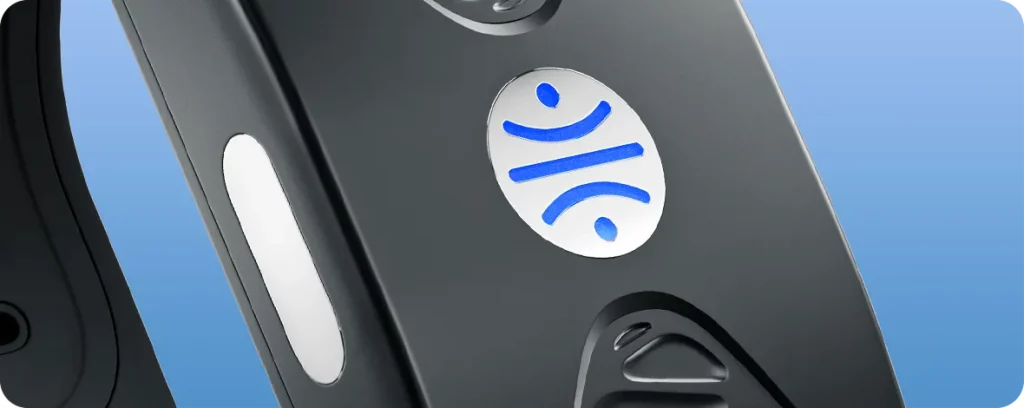
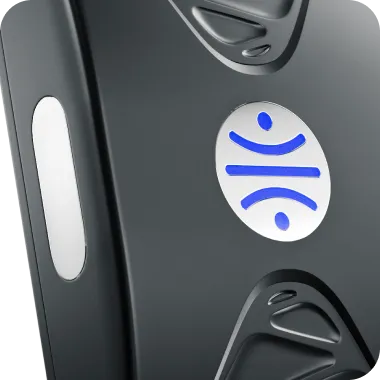
The GoBe U smart band is controlled with a single button. It notifies you about important changes in your body as well as its own internal status using the LED indicator with the HEALBE logo.
Most smart band settings are configured in the HEALBE app, while the button has three functions:

• Switching on and off — press and hold the button until the smart band responds.
• Battery status check — press and release the button: the LED indicator will glow green, yellow, or red depending on the current battery level.
• Factory reset — disconnect the charging cable, turn off the smart band, then press and hold the button.
Body state notifications

Rising Stress — rapid yellow flashing
Low physical activity — rapid purple flashing
Hydration level decrease — rapid light blue flashing
Smart alarm signal — gradually increasing white shimmer
GoBe U also indicates its own state:

Operating modes

Switching on — single purple shimmer with increasing intensity
Switching off — single purple shimmer with fading intensity
Waiting for the first connection — white continuous shimmer
Ready for the application connection — blue continuous shimmer
Standby mode — short green glow

Battery

Charging state and battery state check — red, yellow or green flashes depending on the current battery level
Charging is finished — continuous green glow
Low battery (20%) — red flashing
Critically low battery (5%) — red rapid flashing

Service states

Charging problem — red flashing until the issue is resolved
Poor skin contact — orange rapid flashing
Updating — white flashing
Overheating (external temperature exceeded) — continuous red glow
Operating error — red rapid flashing until the issue is resolved

Do Not Disturb mode

GoBe U features a Do Not Disturb mode. When enabled, the smart band won’t interrupt you with notifications about changes in your body state.
To enable Do Not Disturb mode, open the Settings screen in the HEALBE app. Find the “Vibration notifications” section and toggle the option off.

Missed notifications

GoBe notifies you about the most important changes in your body and its own status using light and vibration. If you miss a notification, don’t worry. All notifications are available in the HEALBE app in the Notification Center, accessible from the main screen via the bell icon.